Enter.co · · Nacional
Windows 11: 10 tools to diagnose PC issues
Sign in to rate this story and add sources.
Community annexes
Coverage of this same story by other outlets, contributed by readers and checked automatically.
AI executive summary
The story at a glance, best enjoyed with a coffee ☕
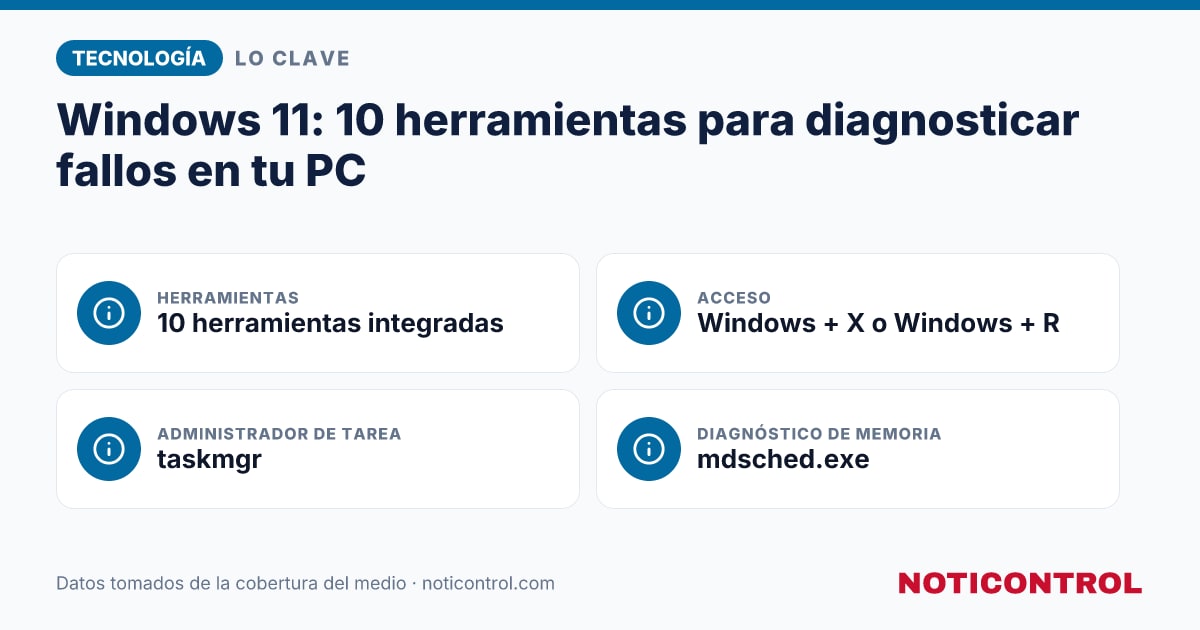
Windows 11 includes built-in tools to diagnose computer problems not always visible in the Settings menu. These tools help identify failures, examine system status, and perform maintenance without additional programs. Access them easily with keyboard shortcuts like Windows + X or Windows + R followed by specific commands. Among the highlighted options are Task Manager, Resource Monitor, Event Viewer, and Memory Diagnostic, each focused on specific aspects of system performance and operation. While simple to use, some operations require administrator permissions and should be performed carefully to avoid major system problems.
ⓘ NotiControl newsroom · AI summary of reporting by Enter.co · may change as coverage develops · how we work
🔔 Want updates when there’s news?
Stories like this one usually have a sequel.
- Only news about this story, no spam
- What each outlet adds, side by side
- Stop whenever you want, in one tap
How should we let you know?
Free, with Google or your email, no passwords. You come right back here.